
 Indonesia
 English


.jpg)
Hello, wonderful moms and dads!
If you’ve ever watched your little ones using their gadgets, you’ve probably noticed how focused they get and how nimbly they move their fingers. When we ask, “What is it that keeps you so focused on your gadget?,” they enthusiastically reply, “Playing Roblox.”
That’s right. Roblox has become a favorite game among today’s kids because it captures their imagination.
However, behind all the excitement of jumping from one challenge to the next, did you know there’s a secret feature that can transform their screen time into an amazing learning experience? That feature is Roblox Studio.
Parents often have questions about this platform. Let’s take a look at a simple explanation together!
Is Roblox Studio the Same as Roblox?
Simply put, the answer is no. The two are different, but they’re a pair of “best friends” that can’t be separated.
Let’s use a simple analogy:
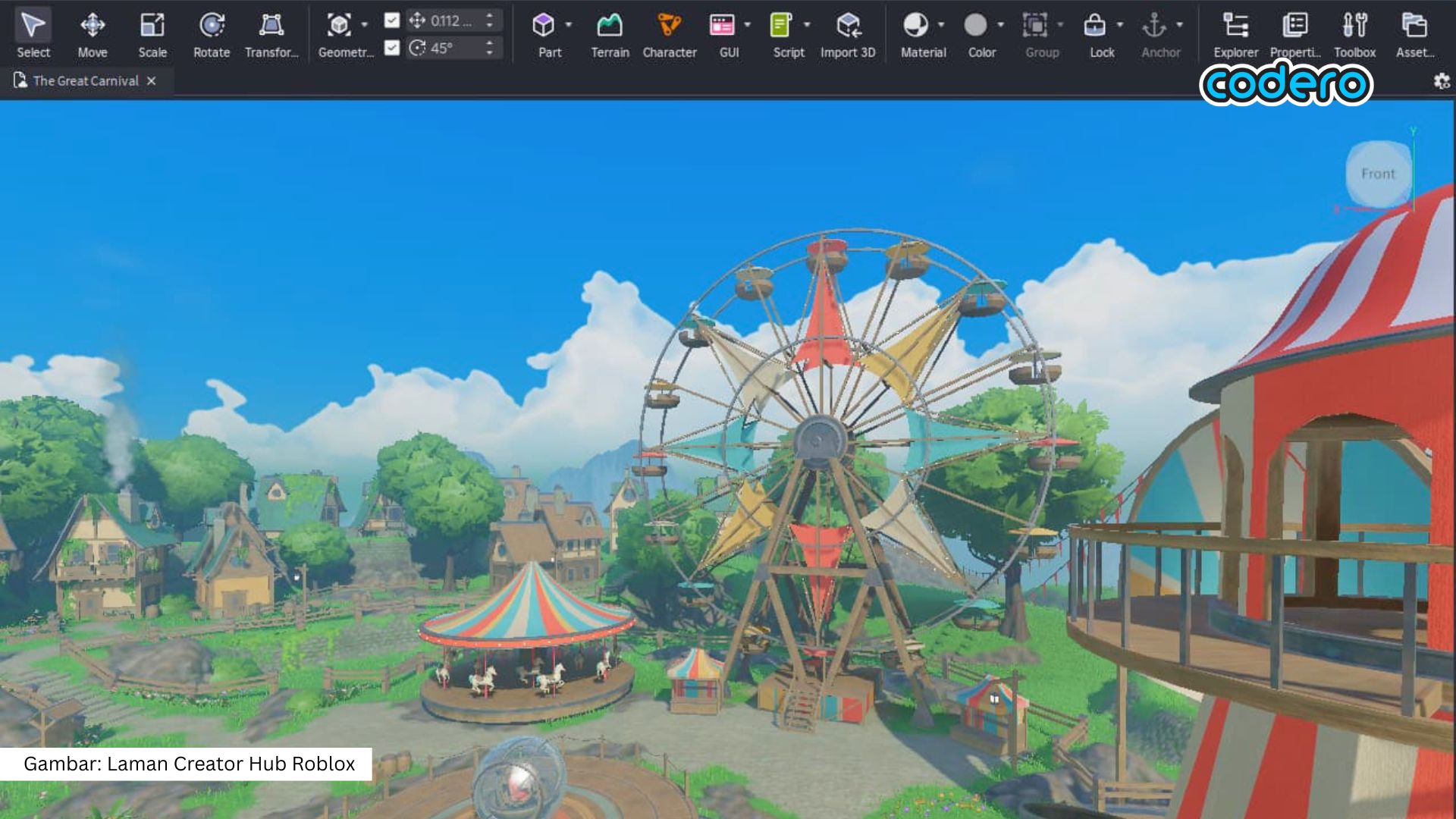
If Roblox is a vast, giant playground where kids gather and try out millions of rides, then Roblox Studio is the magician’s prop room.
It’s within Roblox Studio that someone can design the shape of a slide, build a magnificent castle, and even determine how the skateboards in the park work.
Simply put, Roblox is a place to play, while Roblox Studio is a place to create games.
Can Your Little One Use It?
Perhaps deep down, parents have some doubts: “Oh dear, isn’t creating a digital game very complicated and full of mind-boggling lines of code?”
It turns out kids can use it! This tool is designed to be very user-friendly so that even beginners, including school-aged children can learn it.
Here are a few reasons why this adventure will be so much fun for them:
1. Playing with digital building blocks without the hassle
Your little one doesn’t have to worry about writing long command lines. They can build their dream world simply by dragging and arranging objects, just like playing with building blocks in the real world!
2. A fun exploration lab
This space serves as a safe digital playground where children can experiment, try out unique ideas, make mistakes without fear, and keep trying until they succeed.
3. Sharpening future skills
While having fun designing shapes, your little one is unconsciously honing their logical problem-solving skills and sparking an entrepreneurial spirit, in case they want to showcase their work to friends someday.
4. Fun ready-to-use templates
There are plenty of basic guides and ready-to-use templates that help children create simple games, like an exciting jumping obstacle course, in just a short amount of time.
A quick note for moms and dads: this creative tool can be downloaded for free on a computer or laptop (Windows or Mac).
This tool is intentionally not available on phones or tablets because designing a three-dimensional world requires a large screen so your little one’s fingers can create freely.
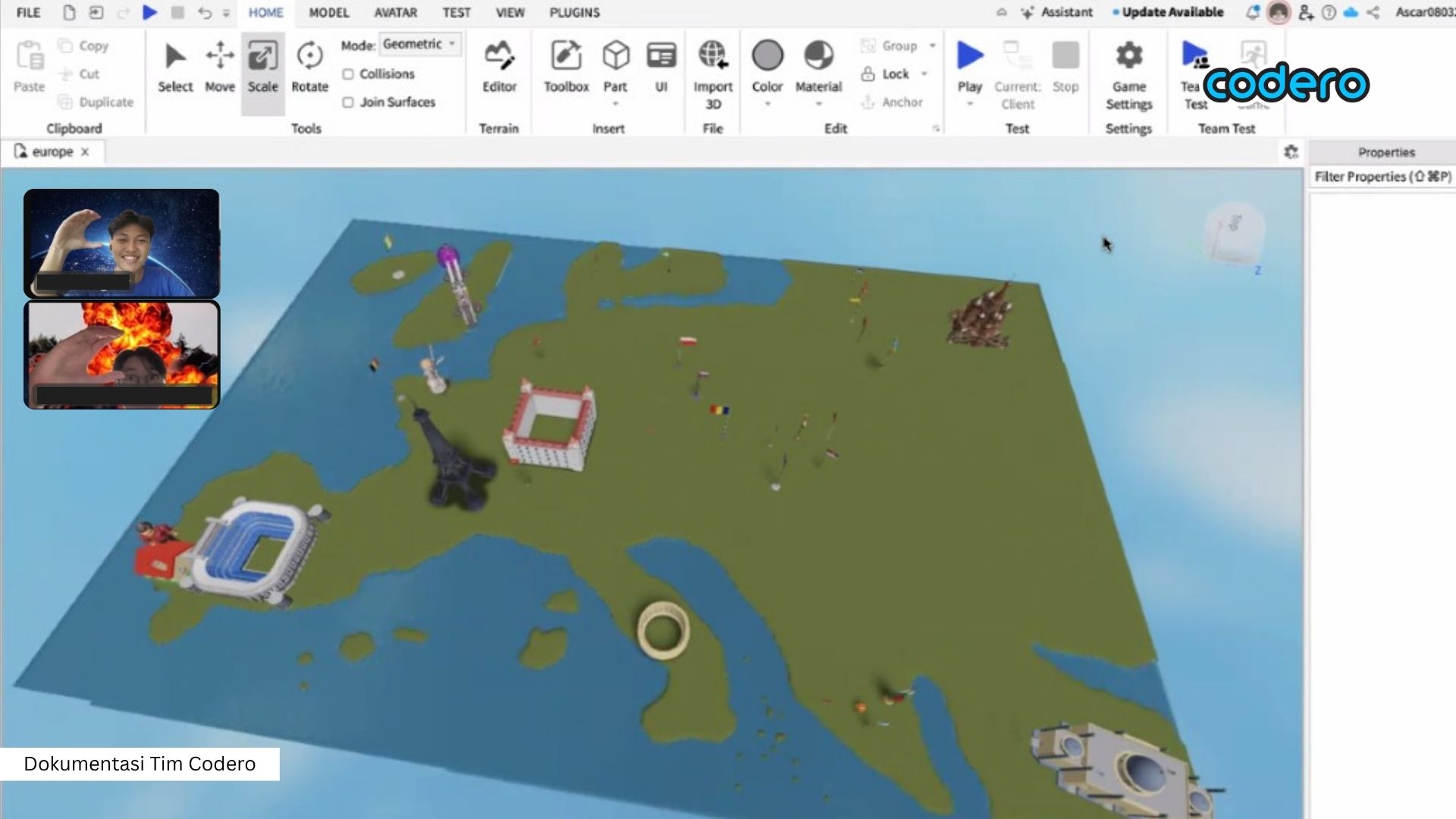
Exploring Roblox Studio with Codero Online
Introducing your little ones to Roblox Studio is the best way to help them transition from being mere game players to independent creators who take pride in their own creations. So, moms and dads, are you interested in helping your little ones build their dream worlds this weekend?
If you’re not quite familiar with this world yet, don’t worry. Codero Online is here to be a fun companion, guiding your little one on an adventure right from the comfort of your own home.
Through our fun-filled online classes, your child will be guided by friendly and experienced mentors. We believe that introducing technology to children shouldn’t feel stressful or rigid.
At Codero Online, we’ve prepared:
A structured curriculum: Easy to understand, even for children who’ve never used a computer before.
Project-based learning: Every new concept is immediately put into practice to create a real project they can showcase with confidence.
What are you waiting for? Let’s give your little one a much more meaningful learning experience with Codero Online! Our friendly team is always ready to greet you and answer any questions you may have about your beloved child’s learning plan at:
📞 0878-7561-8124
References:
How To Get Started With Roblox Studio for Kids
The Ultimate Guide to Making Your First Game on Roblox Studio
.jpg)
.jpg)
.jpg)
