
 Indonesia
 English



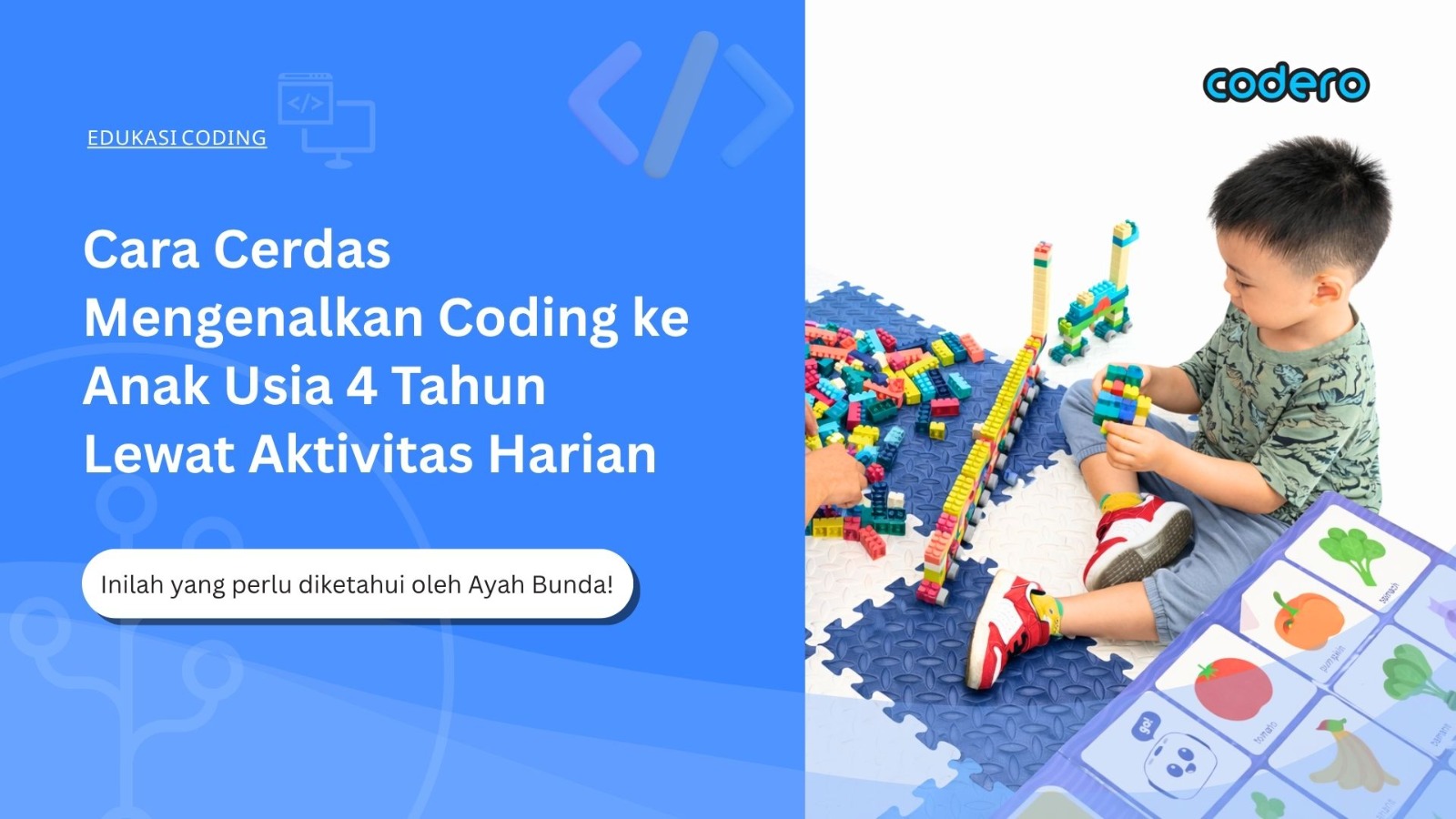
Did you know, parents? Introducing the basics of technology—or what we often call coding—can actually start early on, even as young as 4 years old! The secret isn’t in how advanced the computer is, but in how we encourage our little ones to play while sharpening their logical thinking through everyday activities.
Use Analogies from Daily Routines
The key is to turn things that seem complicated into real-life adventures they can touch and experience. Let’s take a look at some fun ways to explain this “secret language” to your little one:
1. The art of following steps (Sequencing)
Computers are actually very much like us; they need sequential instructions so they don’t get confused. Parents can demonstrate this through the toothbrushing routine.
Try asking your little one: “What happens if we brush our teeth before putting on toothpaste?” They’ll surely laugh! Explain that just like brushing teeth (grab the brush, apply toothpaste, then brush), computers also need the right sequence of steps to work their best. If just one step gets mixed up, our “plan” can fall apart.
2. Repetitive patterns (Loops)
If you’ve noticed, kids always have activities they do over and over again, don’t they? In the world of technology, this is called a loop. You can demonstrate this with the back-and-forth motion of brushing teeth or a bedtime routine.
Instead of giving a new command every second, we simply provide one instruction that’s repeated over and over. This teaches your little one that with one “smart command,” we can accomplish many great things without getting tired of constantly creating new rules.
3. A collection of small tasks (Functions & sub-tasks)
Sometimes, a big task feels overwhelming when viewed all at once. Parents can explain that a big plan is actually just a collection of neatly organized small tasks.
For example, when we have the mission “Get Ready for the Playground.” This big mission actually consists of several small tasks like “putting on your favorite outfit” and “tying your shoelaces.” By understanding these small tasks, your little one learns that problems that seem big can be solved by breaking them down into simple, easy-to-follow steps.
“Programmer and Robot” Role-Playing Game
One of the most fun ways to introduce logic is by letting children move around physically. Parents can try this exciting role-playing game:
“Who’s who?”
One person acts as the Director (Programmer) who gives directional commands, and the other becomes the Robot who will only move if given the right instructions.
Secret mission
Use aids like arrow cards on the floor or squares made from tape. Challenge the “Robot” to reach a target—such as retrieving their favorite toy—by following only the arrows.
Through this game, your little one learns that technology needs clear instructions to work properly.
Making the Most of Screen-Free Robotic Toys
Sometimes, we want to limit our children’s screen time. Fortunately, there are many smart toys designed to teach logical thinking without requiring any screen time at all:
Wizbot Maxx
A cute robot that can be controlled simply by pressing the directional buttons on its back. Kids will learn to plan where the robot should go.
Code-a-pillar
A unique caterpillar toy where each body segment is a “command.” Little ones learn to solve problems by rearranging the caterpillar’s body segments so it can reach the finish line.
Cubetto
A simple, child-friendly wooden robot. It’s controlled using adorable colorful blocks, making learning feel like putting together a puzzle.
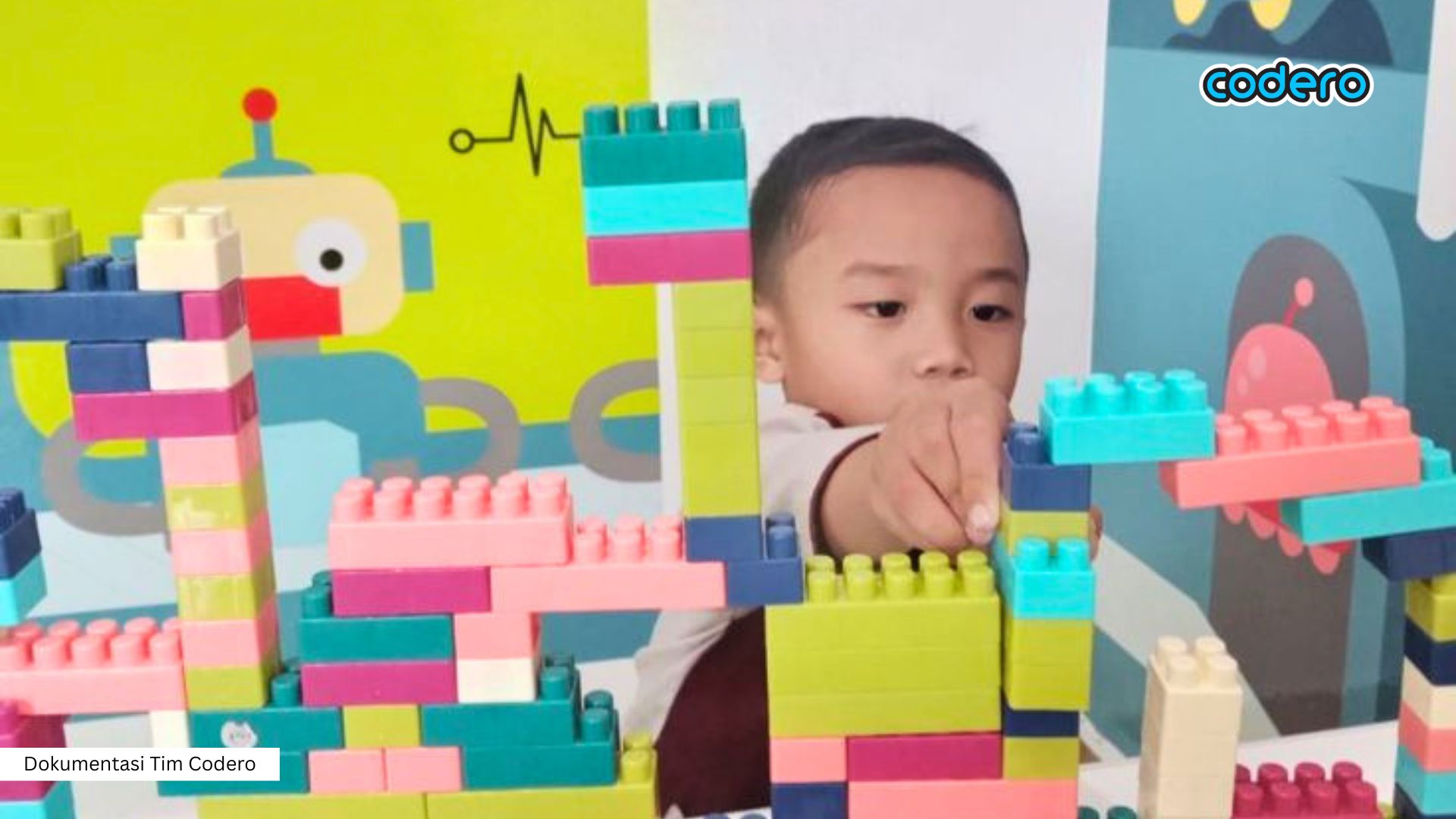
Introducing Cause-and-Effect Logic (If-Then)
The world of technology operates based on choices. Parents can introduce this concept through simple everyday conversations. For example:
“If the robot touches the wall, then the robot must turn around.”
This helps your little one understand that technology can react intelligently to what’s happening around it. This “If-Then” concept is actually the foundation of how we make decisions every day!
Why Is the Play-Based Method More Effective?
This play-based learning method not only teaches technical skills but also trains computational thinking—that is, the ability to break down large problems into small, manageable steps. Additionally, children learn to become resilient; they will view mistakes or “errors” not as failures, but as opportunities to try again until they succeed.
In this way, your little one will begin to understand that they can control and shape their digital world, rather than simply being passive users.
Finding a Child’s Companion to Explore the Wonders of Technology from Home
Equipping children with technology from an early age isn’t actually about making them screen-addicted, but rather about helping them grow into great innovators capable of designing their own creations in the future.
We fully understand that with such busy schedules, not all Great Families have the time to teach technological concepts that often seem complicated. This is where Codero comes in—not as a strict teacher, but as a friend ready to accompany your little one’s learning journey in a colorful, inspiring, and, of course, meaningful way.
Exciting adventures from the coziest corner of your home
We believe that the best inspiration often comes from the place where your children feel safest—their own home. Through the Codero Online Learning Space, we open the door wide for your beloved children to explore the world without being hindered by distance or traffic jams.
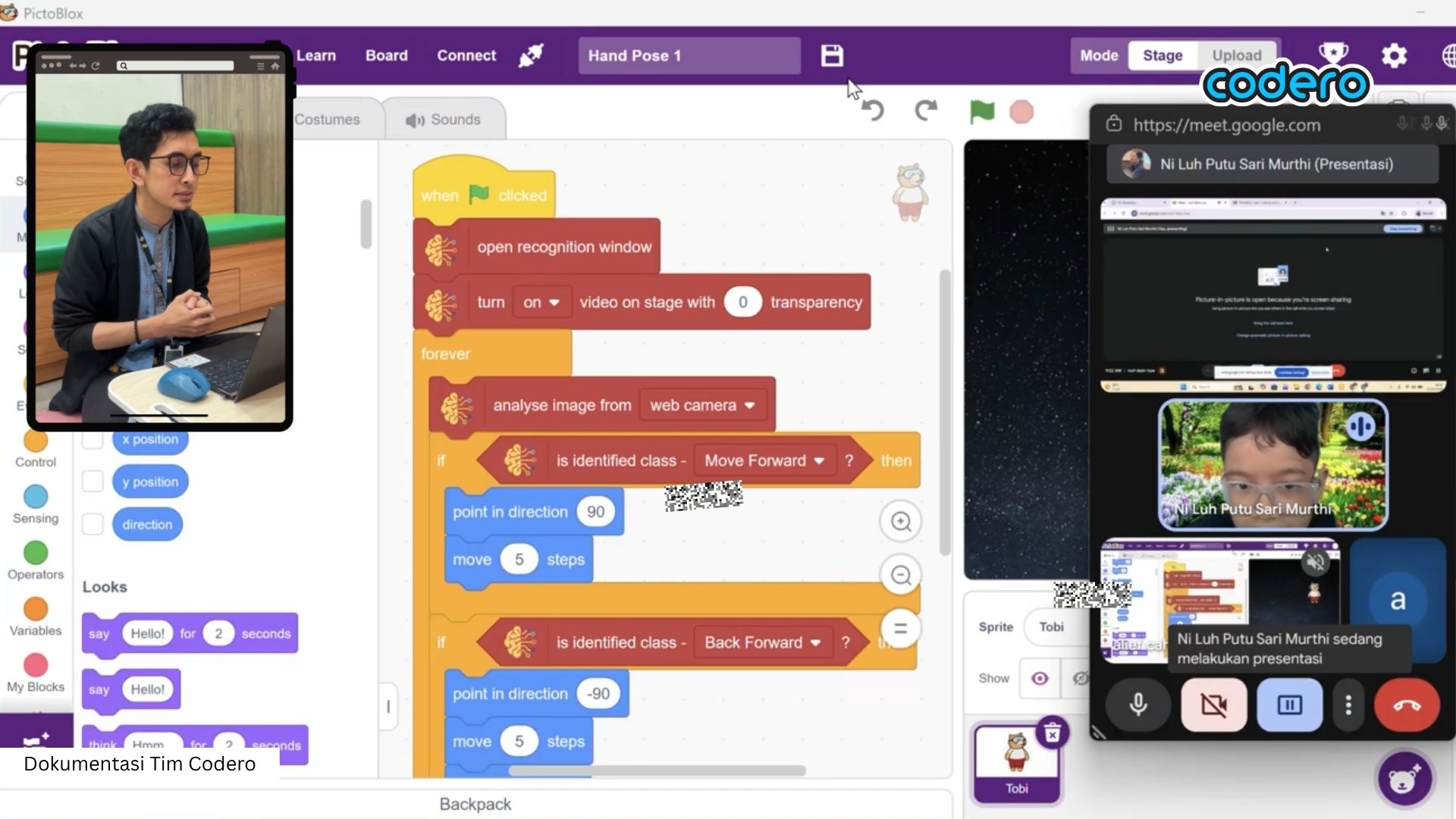
Our commitment is simple: to create a learning environment filled with laughter that constantly sparks curiosity. We want your little ones to feel like they’re not just “going to school” with a pile of homework, but rather embarking on an exciting adventure they’ll look forward to every week.
Turning “Viewers” into “Creators”
Now is the time to encourage your little one to stop being just a spectator behind the screen and become a brave, skilled creator who turns their magical ideas into real works of art.
Let’s provide an unforgettable learning experience from anywhere. Parents can help their beloved children take their first steps through this registration link!
If you’d like to discuss in more detail how to introduce the digital world to your child in a fun and smart way, our team of experts is always ready to listen and be your discussion partner via this WhatsApp link.
Let’s guide their growth and development with love, so that the digital world becomes a productive and inspiring place for your child’s future!
References:
Hands-On Coding Games for Preschoolers
How to Explain Essential Coding Concepts to a Kid
K-5 Coding: 3 Coding Concepts, Even A 4-Year-Old Can Understand
Robotics Class for Preschoolers
Robotics for Kids - A Beginner's Guid to Building and Learning
.jpg)
.jpg)
.jpg)
.jpg)
